Browser extension
Cite from any research page in one click
Search 250M+ academic papers and copy formatted references in 60+ styles without leaving the page you're reading. Free, no ads.
Used by students at 200+ universities
How it works
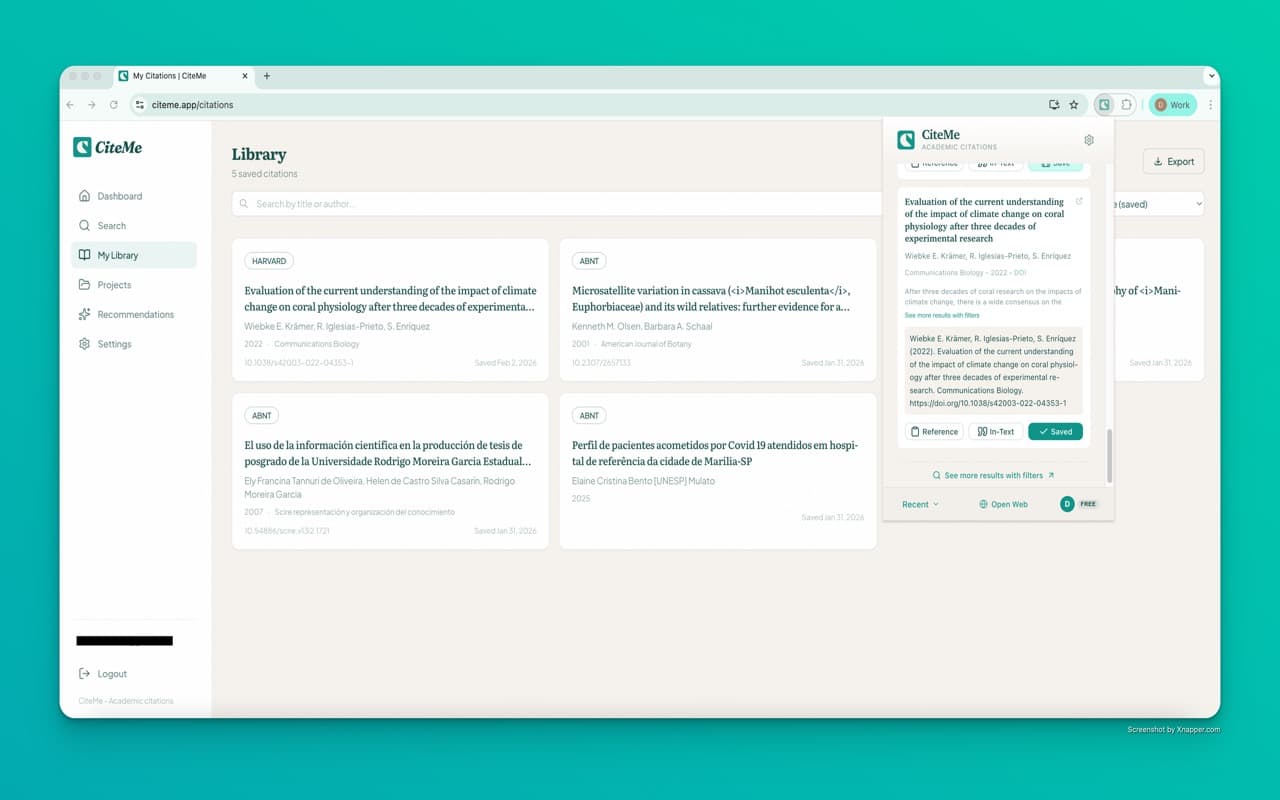
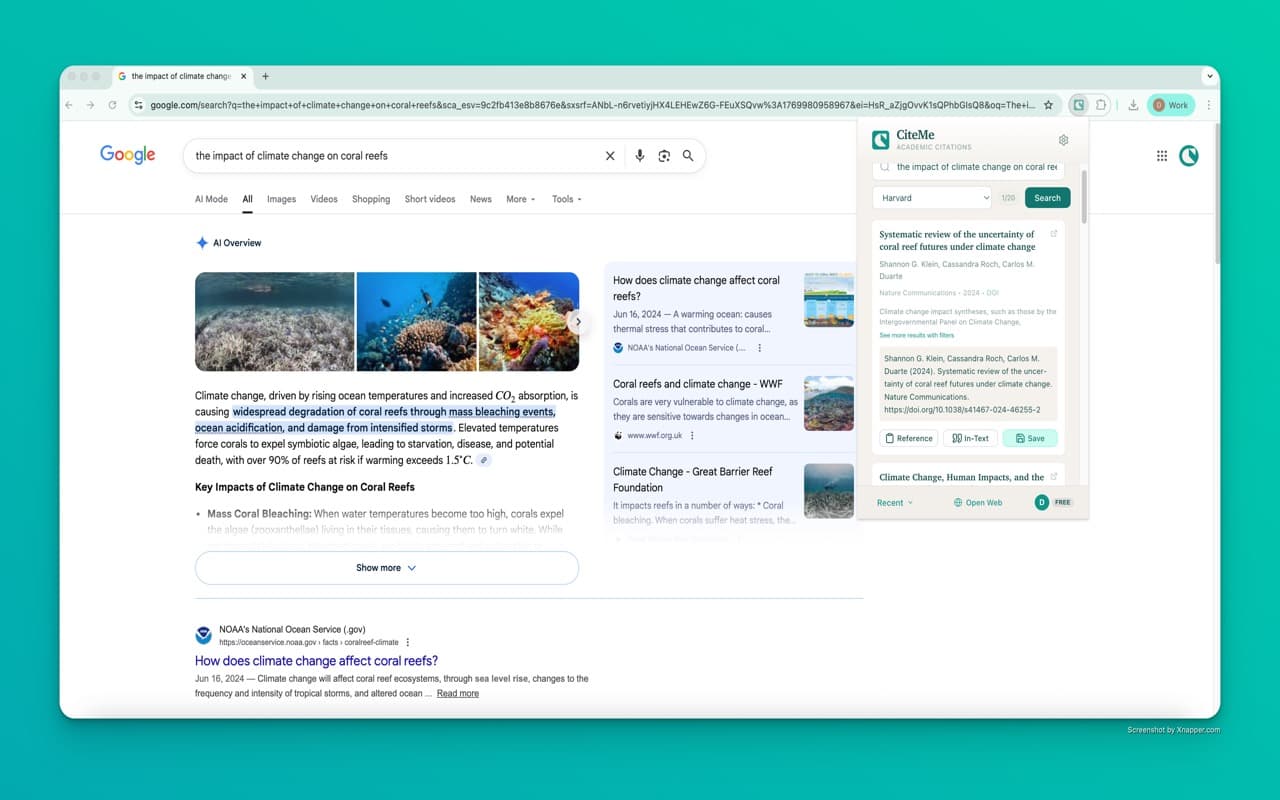
Click the CiteMe icon
Or press ⌘/Ctrl + Shift + C from any page.
Describe what you're citing
Type a title, author, DOI, or paste a URL. We search OpenAlex, Semantic Scholar, PubMed, and more.
Copy the formatted citation
Pick your style and paste straight into your document. In-text citation included.
Everything students need, nothing they don't
250M+ papers, one search
OpenAlex, Semantic Scholar, PubMed, BASE, Europe PMC, and more, indexed together.
60+ curated citation styles
From the most common academic styles to niche field standards. Always up to date.
Export to BibTeX and RIS
Drop straight into Zotero, Mendeley, or any reference manager.
Your data stays yours
No browsing history tracking. Requests are only sent when you initiate a search. LGPD + GDPR compliant.
Offline-friendly
Recent searches are cached locally, so you can copy citations even on spotty Wi-Fi.
Free forever
Cite in all 60+ curated styles on the free tier, zero ads. Upgrade only when you need batch tools or Word export.
Available for your browser
Frequently asked questions
Start citing in seconds
Install once, cite from any research page.